


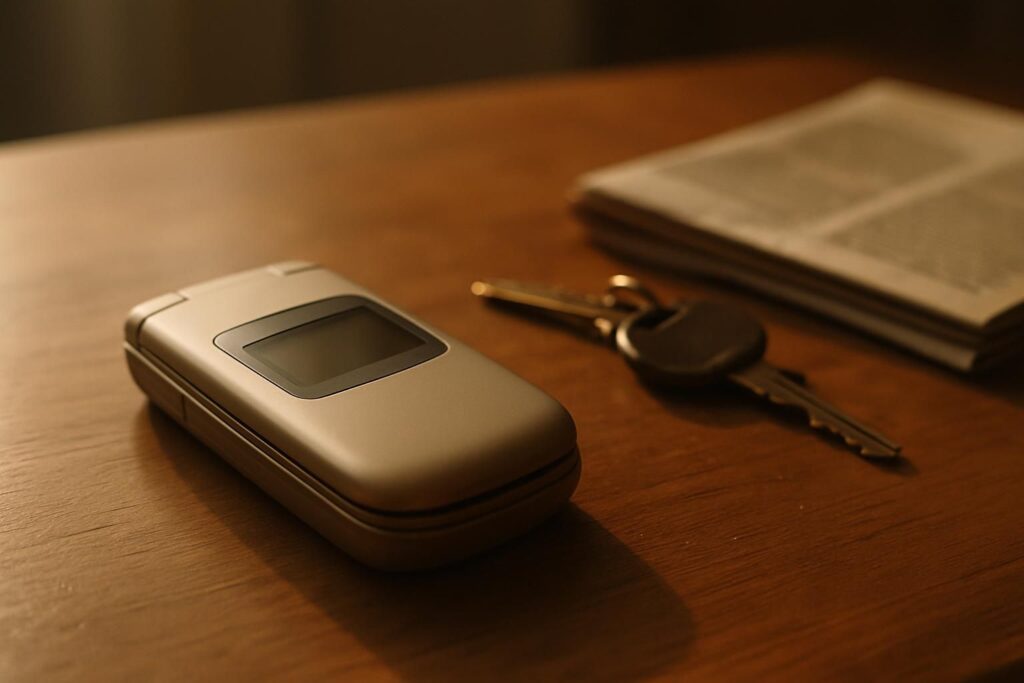
Wanting a flip phone is rarely about nostalgia alone. Closing it ends the call, the screen is protected, it disappears into a pocket, and it does not invite you to scroll. The question is whether you can have that and keep WhatsApp. You can, but not with the phones people still recommend.
The clamshells that no longer work
For a few years the answer was easy: a KaiOS clamshell. The Nokia 2720 Flip, the 2760 and 2780 Flip, the Alcatel Go Flip and a dozen similar handsets ran a lightweight system with a small app store, and WhatsApp was in it. That ended when WhatsApp removed the app in 2024 and stopped supporting KaiOS in 2025.
This is worth being blunt about, because these phones are still sold and their listings still mention WhatsApp: a KaiOS flip bought today cannot run WhatsApp. Not with a workaround, not with an older version, not by sideloading. If a listing mentions KaiOS, that is your answer. We go through it model by model in which Nokia phones run WhatsApp.
The clamshells that do: Android underneath
The category that survived is the flip phone running a stripped-down Android instead of KaiOS. From the outside it is the same object: clamshell, two screens, physical keys, a battery that lasts. Underneath it is Android, so WhatsApp installs and updates exactly as it would on a smartphone. This is currently the only way to get something close to the old Nokia experience with WhatsApp still working.
The keypad flip
The mainstream option is a 4G Android flip with dual screens, typically running Android Go, the lightweight edition meant for modest hardware. It keeps the outer screen for caller ID, real keys inside, a removable battery and USB-C. Expect it to feel unhurried: this is a phone for messages and calls, and it gets slower the more you ask of it, which for most buyers is part of the appeal rather than a fault.
The rugged flip, and why we are not naming one
If it is going to take a beating, the reinforced clamshells that answer this are sold under a rotating set of brand names and are out of stock on Amazon US more often than not; the one we recommended here has gone. Look at the rugged flips available today and apply the Play Store test below, because most of them are Android underneath and a few are not. Note too that these trade the full keypad for a small touch surface, which suits some people and irritates others; it is the single thing most returns come down to.
The line on the listing that decides everything
Whatever clamshell you are looking at, one requirement settles whether WhatsApp will work: the phone must ship with Google Play Services and the Play Store. Plenty of inexpensive Android handsets, especially imported ones, leave them out. Without the Play Store, WhatsApp cannot be installed or kept up to date, and sideloading it is not a stable answer over time.
This is exactly where the cheapest flips cut corners, so read carefully. If the listing does not say the words Google Play, assume they are missing and ask the seller before ordering. On several of these models the only confirmation you will find is in the customer reviews rather than the specification, which is worth a few minutes of reading.
What these phones are actually like to live with
Specifications do not tell you much here, so it is worth setting expectations. Typing is the big adjustment: an Android flip gives you a numeric keypad and predictive text, which is fine for “running late, see you at eight” and painful for a paragraph. Most people end up sending shorter messages, and most people decide they prefer it that way.
Battery life sits between a smartphone and a true dumb phone. Android keeps a data connection alive for notifications, so do not expect the week you got from a keypad phone with no apps; two or three days of ordinary use is a realistic figure. The outer screen shows who is calling and, on most models, that a message has arrived, without opening the phone, which is half the appeal of the shape.
The other thing to know is that this corner of the market is made of small manufacturers and generic brands rather than household names. Models appear and disappear with the shipments, software updates are rare, and support is thin. Buy the one available today rather than waiting for a better one, because the better one tends not to arrive.
Flip or bar? An honest comparison
| Android flip | Compact Android bar | |
|---|---|---|
| Shape | Clamshell, closes on the call | Small slab |
| Keys | Physical keypad | Touchscreen only |
| Yes, if Play Store is present | Yes, Play Store included | |
| Typing long messages | Slow, T9 style | Faster, still small |
| Feels like a dumb phone | Strongly | Moderately |
| Choice of models | Narrow, mostly generic brands | Wider, established makers |
If the clamshell shape is what you want, take the flip and accept the narrower choice. If what you actually want is a small calm phone, the compact Android bar is the better built option, and we compare the whole category in our main WhatsApp guide.
And the flip with no apps at all
There is a third answer that deserves more credit than it gets. A plain 4G flip with no app store does calls and texts, runs for days on a charge, and cannot be turned into a distraction because there is nothing to install. If you are buying a flip phone to get away from your screen, adding WhatsApp back may be undoing the very thing you were trying to do.
In short
- KaiOS flips no longer run WhatsApp, whatever the listing says. That includes every Nokia clamshell.
- Android flips do, provided the Play Store is on board. That is the one thing to verify.
- The keypad Android flip is the closest thing left to the old experience; the rugged ones trade keys for a touchscreen, and are hard to find in stock.
- A compact Android bar is better built and easier to type on, if you can live without the clamshell.
- A flip with no apps at all remains the honest choice if the point was to disconnect.